
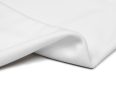
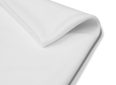
ImpactWhite® 250


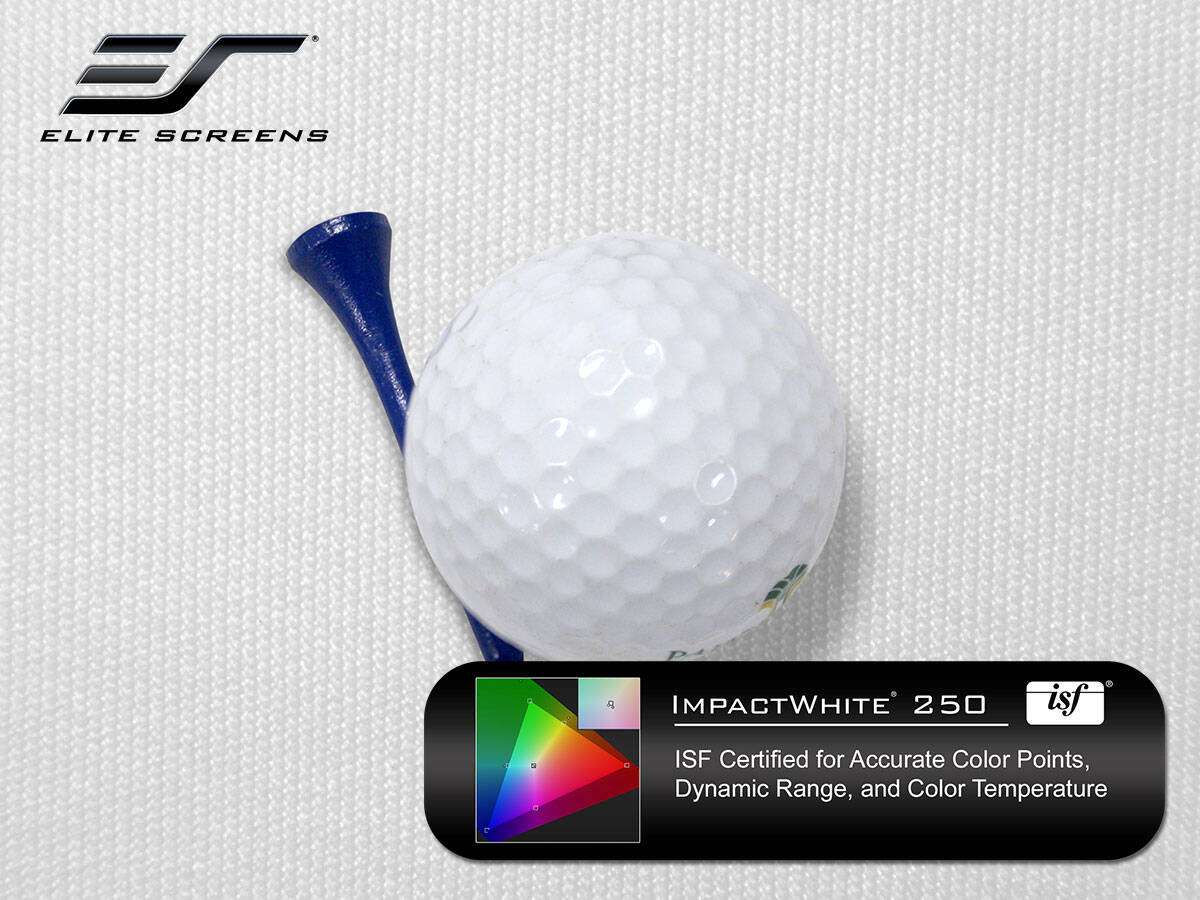
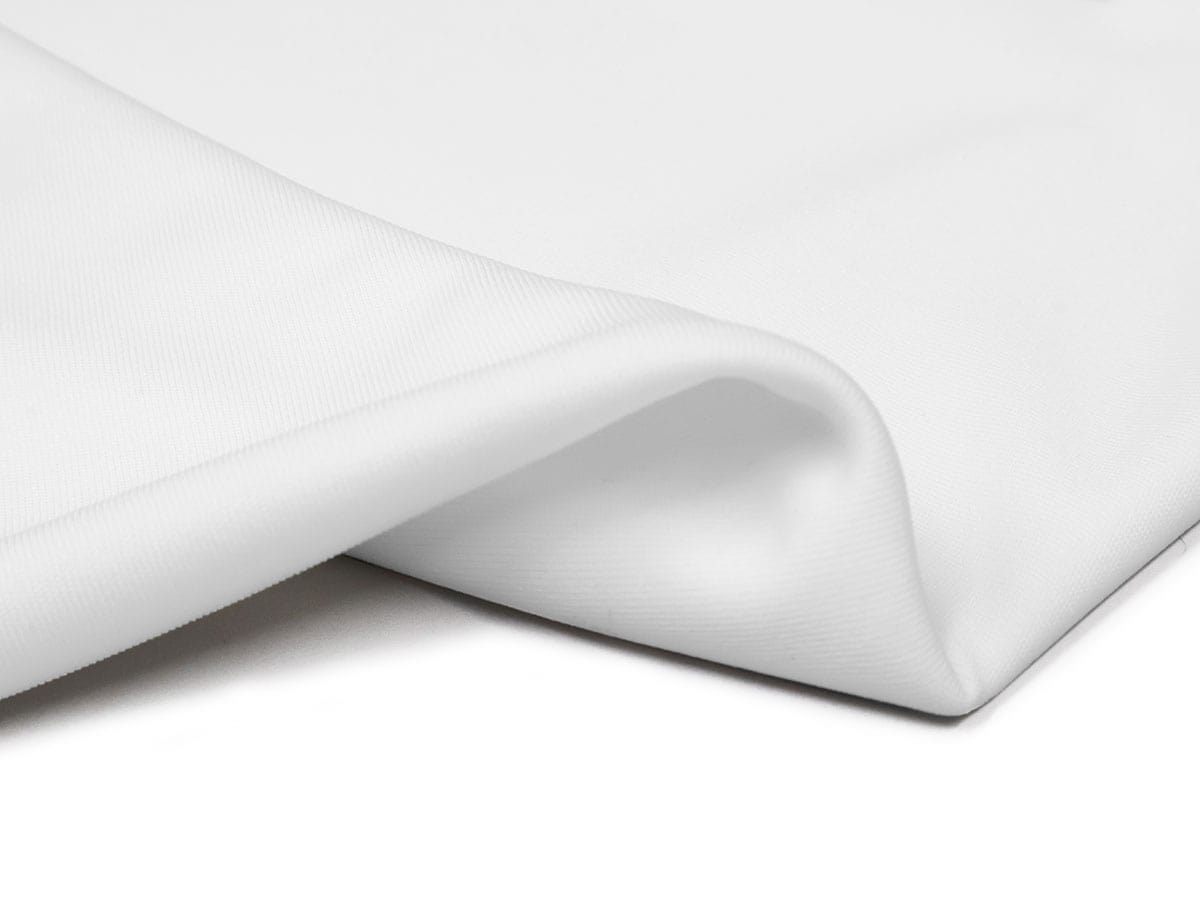
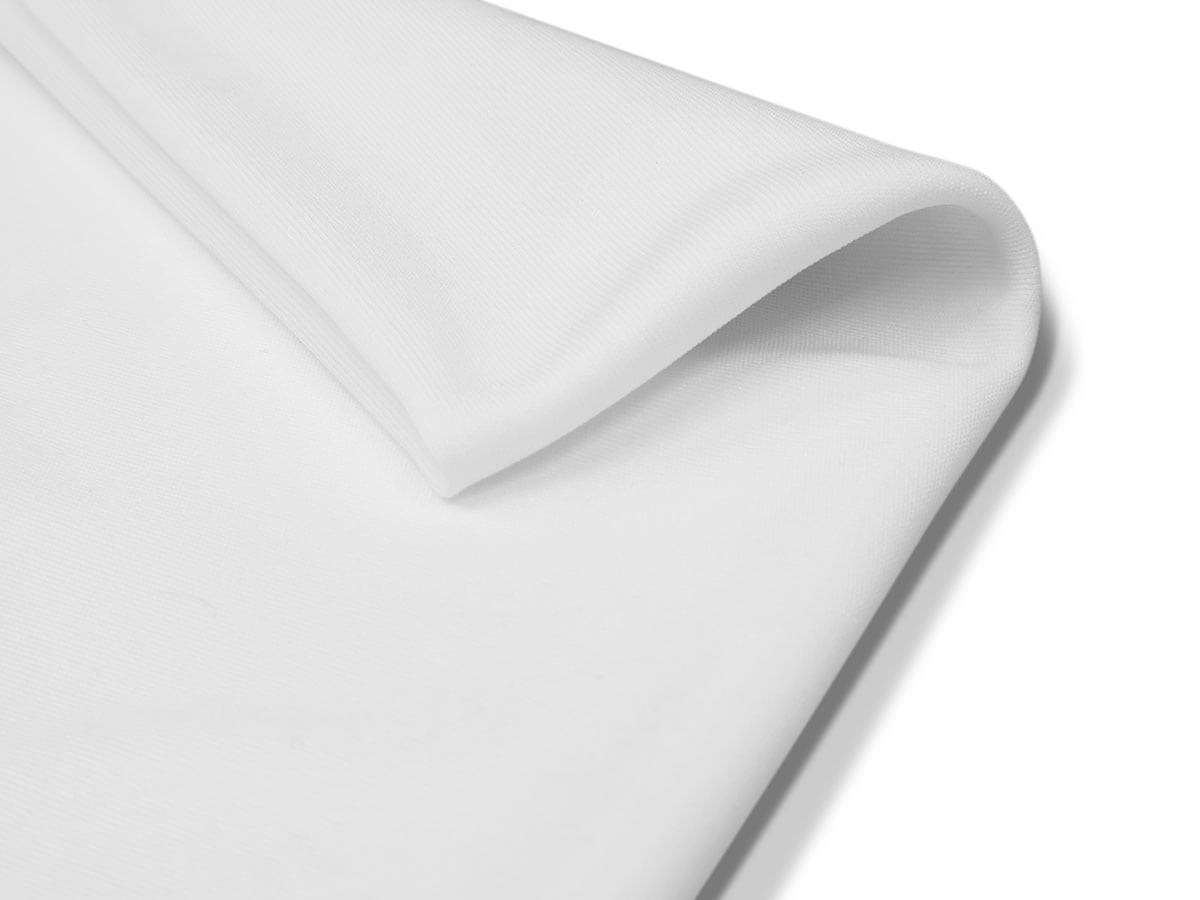
The ImpactWhite® 250 combines impact‑resistant durability with high‑definition projection clarity. A precision tight weave keeps the surface smooth for sharp, vibrant visuals, while its rugged construction handles golf ball strikes with ease. It’s an ideal choice for golf simulators and multi‑sport training setups.
*We consider our impact screens a wearable item and the life of them will vary according to their use. Avoid using golf balls with scuffs or markings to maximize the life of the screen. If possible, use new golf balls. Some creasing may occur but may be removed with a steamer and/or light ironing set to no higher than Polyester.
- ImpactWhite® 250 golf impact front projection screen material.
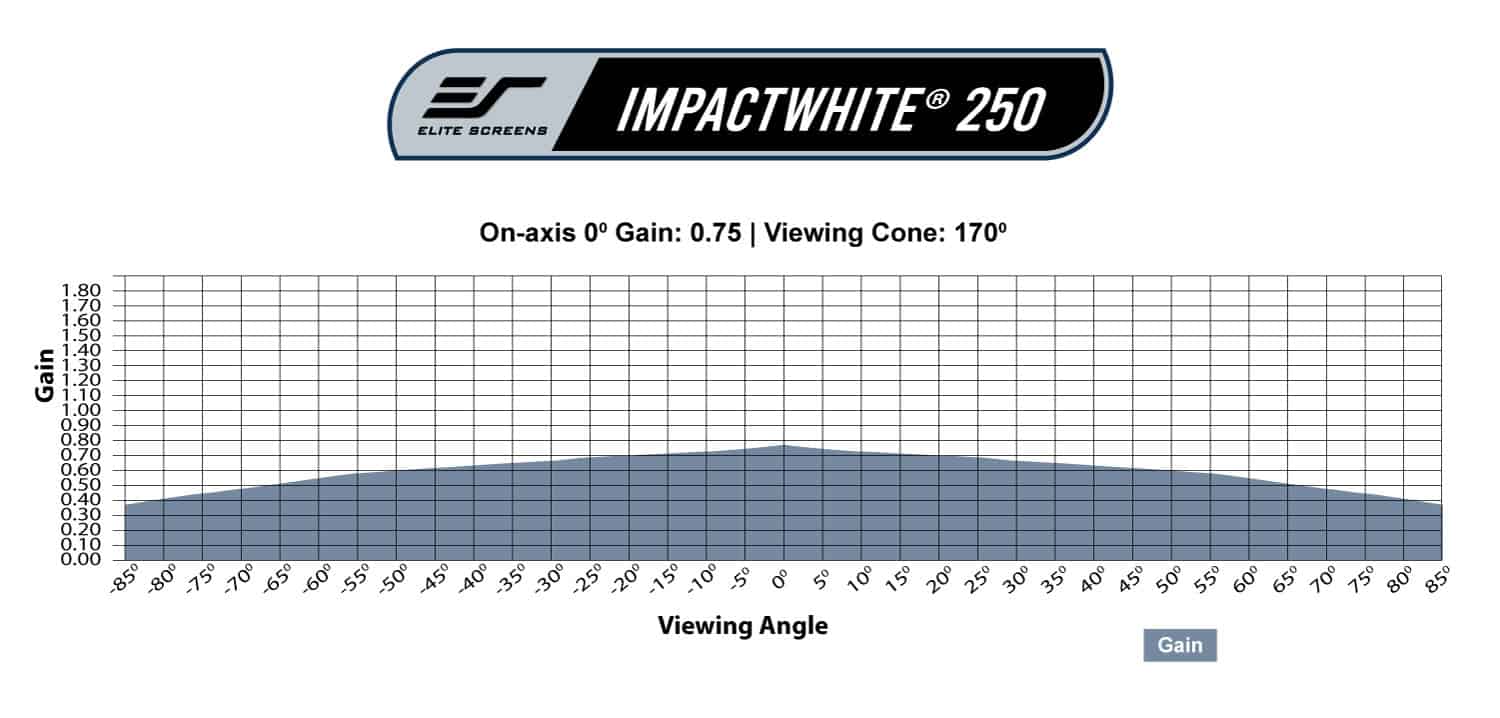
- 0.75 gain with a 170° wide viewing angle allows viewers to see a clear bright uniform picture from any angle.
- Withstands ball speeds up to 155 mph
- Tightly woven polyester minimizes noise and reduces bounce‑back
- Delivers crisp, sharp visuals with no loss of image fidelity
- ISF Certified for accurate color reproduction
- Designed and engineered to perform to high-level industry standards for cinema quality presentations.
| Gain | |
|---|---|
| Front/Rear Projection | Front Projection |
| Viewing Angle | |
| Product Category | Accessories > Screen Materials |
| Compatible Projection | |
| Screen Material | |
| Certifications | ISF Certified |
| Material Type | Golf Impact |
- ImpactWhite® 250 golf impact front projection screen material.
- 0.75 gain with a 170° wide viewing angle allows viewers to see a clear bright uniform picture from any angle.
- Withstands ball speeds up to 155 mph
- Tightly woven polyester minimizes noise and reduces bounce‑back
- Delivers crisp, sharp visuals with no loss of image fidelity
- ISF Certified for accurate color reproduction
- Designed and engineered to perform to high-level industry standards for cinema quality presentations.
- Color: White
- Thickness: 0.02” (0.6 mm ±0.1 mm)
- Number of Layers: 1
- Material Composition: 100% Polyester
- Weight: 0.55 lbs. (250 g) /m2
- Gain: 0.75
- Viewing Angle: 170°
- Projection Method: Front
- Withstands golf speeds up to: 155 mph
- Impact Rebound Distance: 4.5 ft
| Gain | |
|---|---|
| Front/Rear Projection | Front Projection |
| Viewing Angle | |
| Product Category | Accessories > Screen Materials |
| Compatible Projection | |
| Screen Material | |
| Certifications | ISF Certified |
| Material Type | Golf Impact |
A:
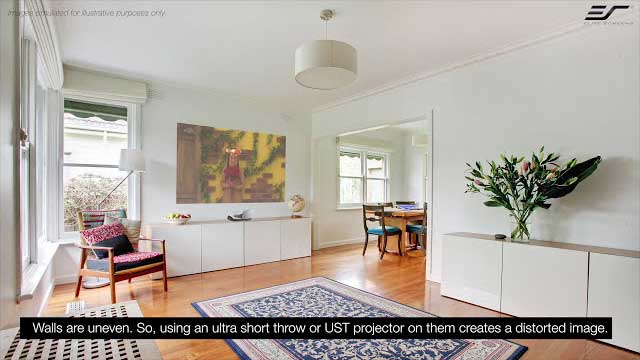
• Short-throw projectors are ideal since they can be placed safely away with sufficient distance away from the tee and minimize golf ball impact.
• Ultra-short projectors could get hit with the ball unless they have a protection cover.
• Standard throw projectors can create shadows when in front of the screen.
Q: I’ve had my Golf Screen about 4 months ago, and everything has been going well. Recently, I noticed that there are a few places on the ImpactWhite® screen where the material appears to be compromised. I did not want to create a scenario where a golf ball might penetrate the screen material and potentially cause damage to something behind the screen. Is there a way to repair/reinforce the sections that appear to be compromised? And is this possibly considered normal wear and tear?
A: Elite Screens does not have repair kits for ImpactWhite materials for wear and tear. All our ImpactWhite® screens are considered wearable items and the life of the will vary according to their use. Avoid using golf balls with scuffs (picture below for example) or markings to maximize the life of the screen.
If the ImpactWhite® material is starting to wear and tear from normal impact from a golf ball, we can review the wear and possibly cover it under warranty.
We use the following standard for determining warranty coverage from wear and tear.
• Wear and tear that cannot be seen from the diagonal screen size distance is not deemed to be replaced under warranty.
If the product is hit by a damaged golf ball, it is not considered normal use and no longer covered by the warranty


A: Golfers should be positioned 10’ to 12’ away from the hitting screen. This will help prolong the life of the ImpactWhite screen while minimizing wear and tear. In addition, NEVER use golf balls with scuffs, damaged, chipped, etc. Always use new golf balls when possible.
A: In order to get rid of wrinkles on your GolfSim® screen material, we recommend stretching and re-rolling the material. First, use the remote control to fully extend/drop-down the Impact Material from the GolfSim® Electric. With the help of two people, pull and stretch the material taut from the left and right side of the Impact Material. Then, press the retract button on the remote control. Continue stretching the Impact Material from the left and right side and also pull down on the weight bar, while the material rolls back into the housing. Allow the Impact Material to remain in the screen housing for approximately one night before use.
You may also opt to use a steam iron to effectively smooth out wrinkles on the Impact Material. However, the screen material must be completely dry before it’s retracted back into the housing to prevent any moisture from being trapped inside.

You may also like…
-
GolfSim® Electric Series
 $0.00
$0.00 Select options This product has multiple variants. The options may be chosen on the product page
