
StarBright® CLR® 5


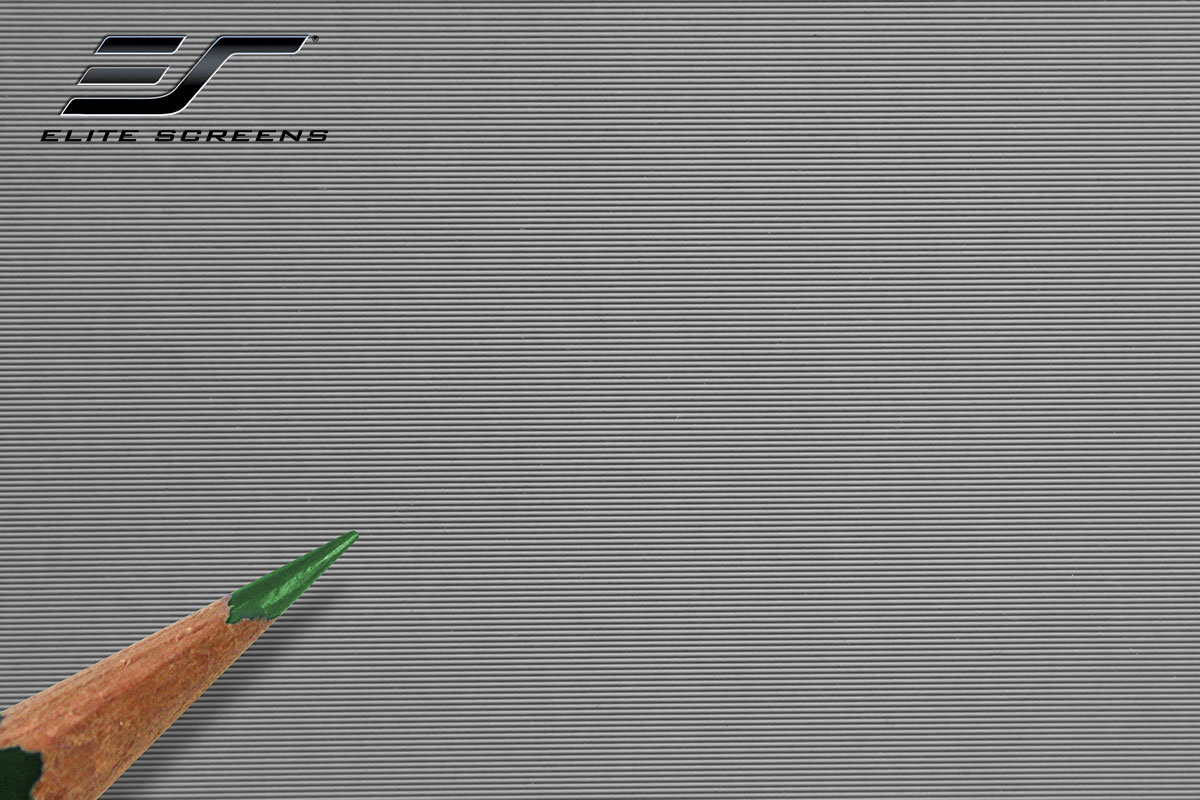
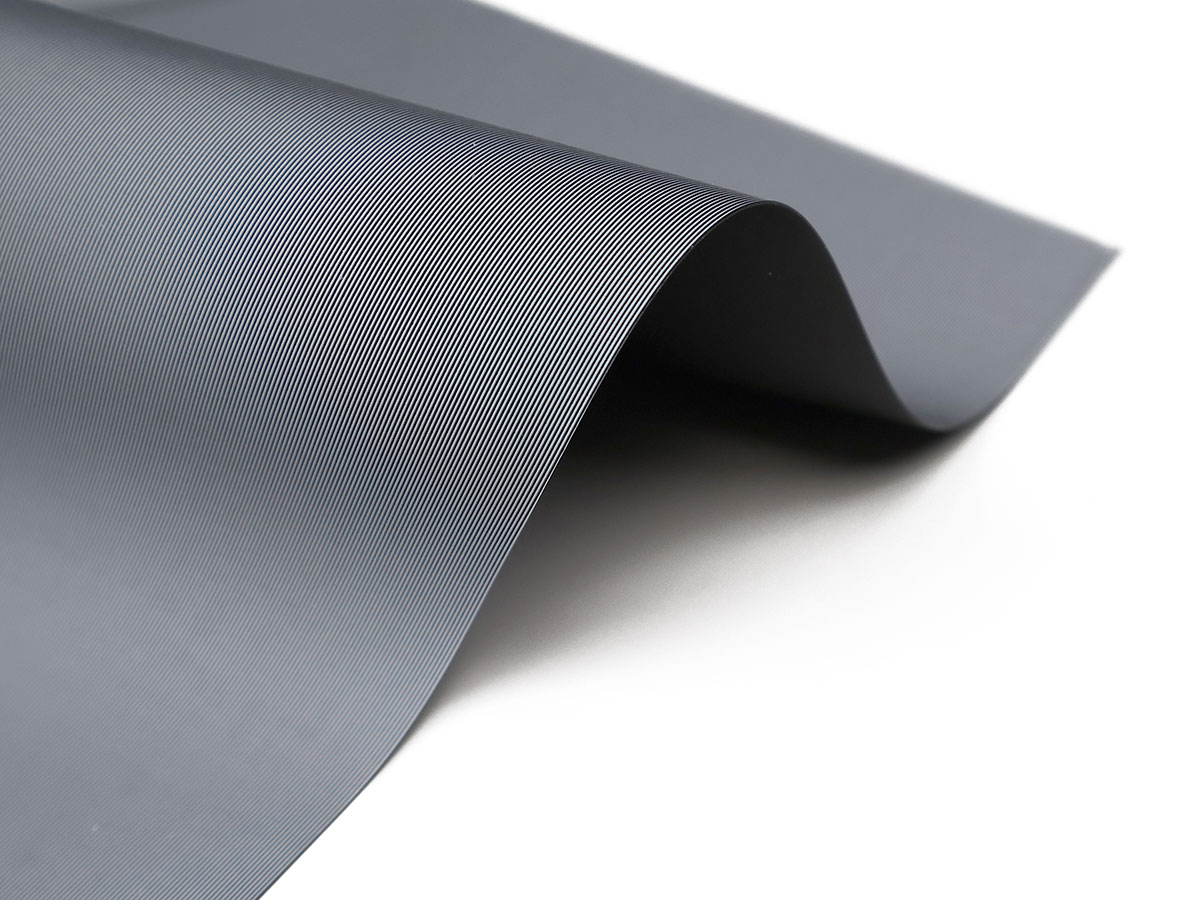
The StarBright® CLR® 5 (SBCLR® 5) features Ceiling Light Rejecting technology for bottom placed ultra-short throw front projection applications in moderate light room environments. The surface can reject (absorb) 80% of ambient light to combat the washout effect typically experienced using matte white surfaces. This allows projector presentations to achieve contrast-rich images with a wide viewing angle without compromising picture performance and delivering exceptional imagery.
- StarBright® CLR® 5 (SBCLR 5} Ceiling Light Rejecting material absorbs 80% of overhead light
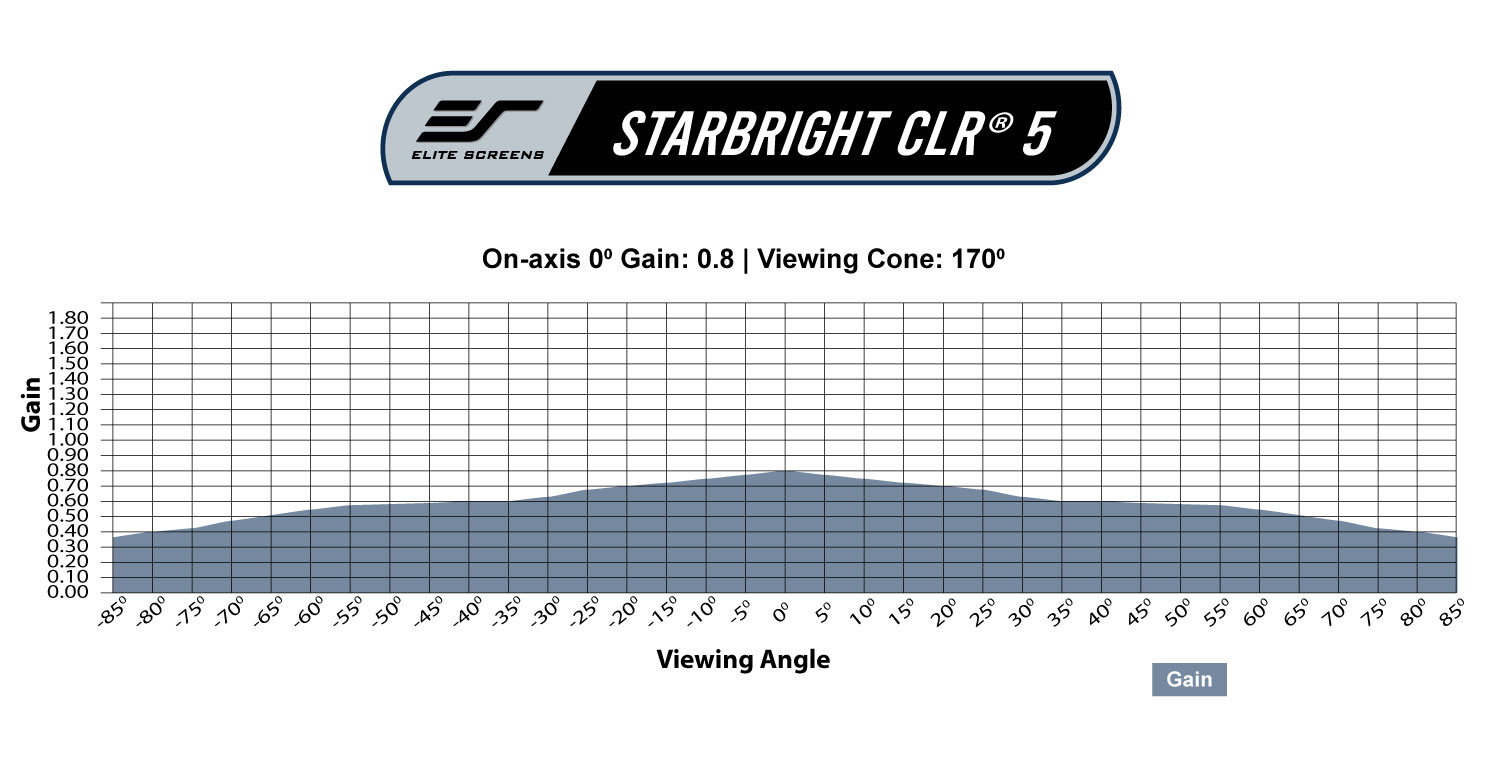
- Gain: 0.8
- Viewing Angle: 170° (65° L/R)
- Designed for bottom placed ultra-short throw projectors
- Absorbs up to 80% of overhead light
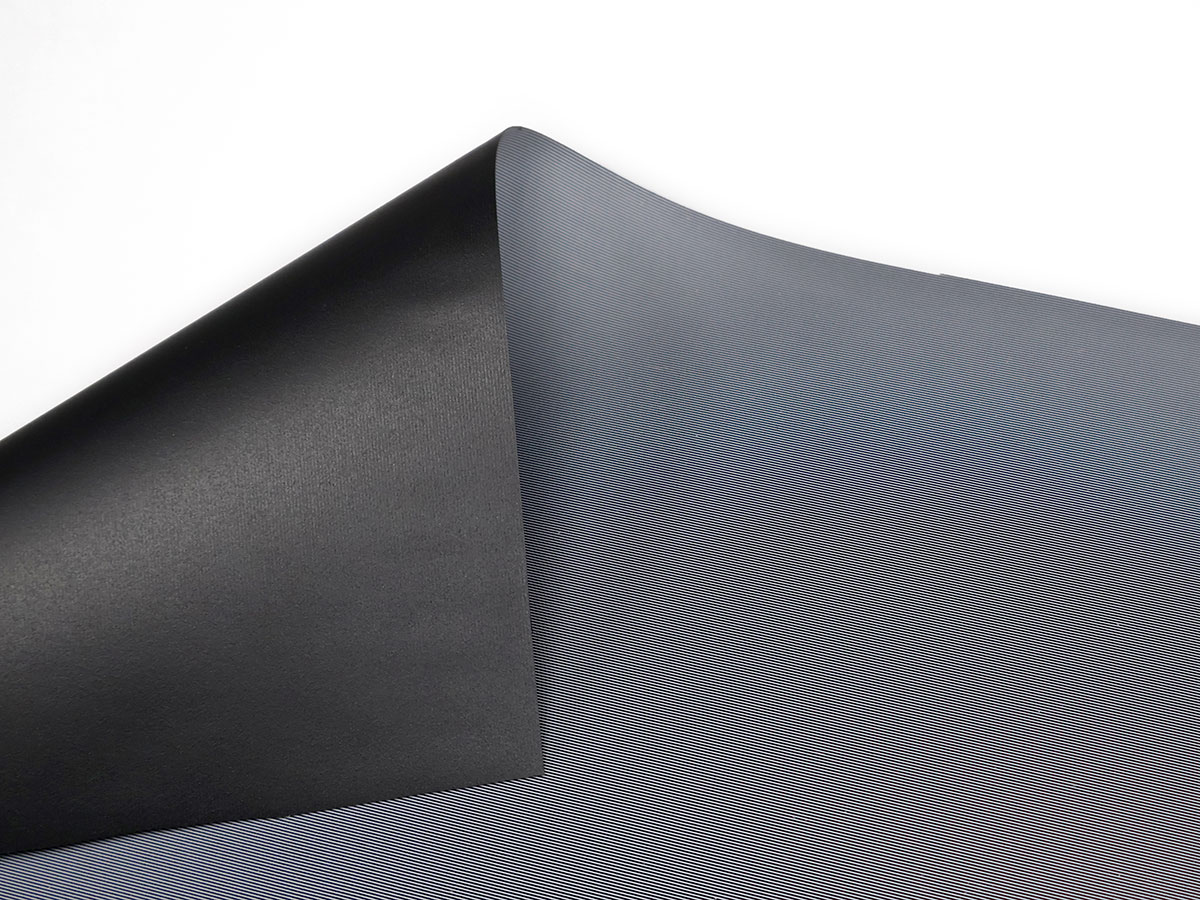
- Black backing eliminates light penetration while enhancing image brightness to prevent picture degradation
- Wide viewing angle provides a clear, bright, and uniform picture from any angle.
- GreenGuard® / GreenGuard® Gold Certified UL 2818 for Safety Indoor Emissions free
- 4K/8K Ultra HD, active 3D compatible
| Screen Material | |
|---|---|
| Compatible Projection | |
| Viewing Angle | |
| Gain | |
| Material Type | Ambient Ceiling Light Rejecting (ALR/CLR®), Silver & Grey |
| Reflective Technology Type | Retro-Reflective |
| Certifications | GREENGUARD Certified, GREENGUARD Gold Certified |
- StarBright® CLR® 5 (SBCLR 5} Ceiling Light Rejecting material absorbs 80% of overhead light
- Gain: 0.8
- Viewing Angle: 170° (65° L/R)
- Designed for bottom placed ultra-short throw projectors
- Absorbs up to 80% of overhead light
- Black backing eliminates light penetration while enhancing image brightness to prevent picture degradation
- Wide viewing angle provides a clear, bright, and uniform picture from any angle.
- GreenGuard® / GreenGuard® Gold Certified UL 2818 for Safety Indoor Emissions free
- 4K/8K Ultra HD, active 3D compatible
- Gain: 0.8
- Ambient Light Absorption Rate: 80%
- Color: Gray
- Half Gain: 85°
- Horizontal Viewing Angle: 170°
- Projection Type: Front Only (Ultra-short throw)
- Composition: PVC
- Thickness: 0.39 mm
- Weight: 404 g\M2
- Lens Throw Ratio: 0.1 – 0.3
- Edge Blending: Yes
| Screen Material | |
|---|---|
| Compatible Projection | |
| Viewing Angle | |
| Gain | |
| Material Type | Ambient Ceiling Light Rejecting (ALR/CLR®), Silver & Grey |
| Reflective Technology Type | Retro-Reflective |
| Certifications | GREENGUARD Certified, GREENGUARD Gold Certified |
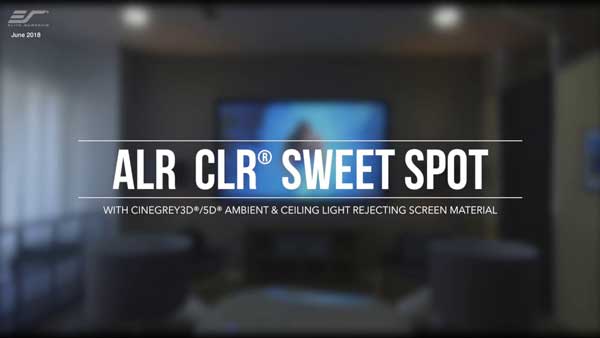
Silver & Grey Materials
Matte grey was an earlier effort by projection screen manufacturers to enhance projector performance when projectors had limited performance ranges in need of a little help. Matte grey materials added a darker shade to projected images that would enhance black levels to a degree. The down side is that a projector with a high lumens output and interior light control was required. The next generation materials we offer now are CineGrey 3D / CineGrey 5D. The CineGray materials are ambient light rejecting. This means that the new materials will give you flat panel display brightness even with high levels of interior lighting. The old matte grey materials are washed out by interior lighting. Also, the Cinegrey series of ALR and ceiling light rejecting (CLR) screen materials give reference grade quality that is world class certified by the Imaging Science Foundation (ISF) for its professional grade abilities to provide accurate color rendition, contrast, and black/white dynamic range. The CineGrey 3D® has a wider diffusion range while the CineGrey 5D® is brighter. Comparing either CineGrey 3D/5D materials to the old matte grey is like comparing a couple of souped-up Ford Mustangs to a Model T.
A: What you are seeing is known as triple laser speckle. This effect does not come from the screen itself, but from the way higher-gain Ambient Light Rejecting (ALR) screens interact with certain projectors.
Elite Screens Ambient Ceiling light rejecting projector screens mostly carry ISF certified fabrics, which are designed to make the image look brighter and more vivid by reflecting light more directionally to the viewer’s eyes, instead of light scatter as in matte white materials. While this improves picture contrast and image quality in bright or dark environments, compared to matte white materials which bounce back light and affect contrast ratio, it may highlight certain artifacts, like laser speckle, that come from the projector’s light source.
This has been a common characteristic of projection setups for many years. With today’s triple-laser projectors, the effect can simply be more noticeable. The speckle affect is a byproduct of projector light technology interacting with high-gain surfaces, not a defect in the screen. Please contact the projector manufacturer to find out if there is a setting that can minimize Triple Laser Speckle. Many have certain technologies built in that may need to be turned on/activated.
Please also see the list of our screen materials recommended by a YouTube influencer that minimizes Triple Laser Speckle for reference.
The last resort would be to simply use any of other products that use our matte white projection surfaces such as.
A: The CLR® 5 is engineered for UST‑style steep light paths, and its optical layers are tuned to catch light coming from a very low angle while rejecting overhead ambient light. When a tabletop short‑throw projector exceeds the recommended throw ratio of 0.4:1.:
- The light incidence angle becomes shallower, so the screen’s directional gain may not align perfectly.
- You may see:
- Slight brightness falloff toward the top of the image (This happens when the light‑rejection filter captures some of the projector’s light)
- Mild hot spotting depending on projector lens geometry
- Reduced ambient‑light rejection compared to true UST
- Tabletop placement helps because the projector is still below the screen, but the angle is not as steep as CLR® 5 is optimized for.
For best results, the throw ratio should stay below 0.8:1 to avoid diminished performance.
CLR® 3 - Screen Material FAQ’s
Ceiling mounted UST projector will not work with CLR®/ CLR® 2/ CLR® 3 flipped upside down because the material is specifically oriented to reject “absorb” lighting from above. In addition it is designed to properly accept tabletop mounted UST projector light and direct it to the viewer’s sweet spot. If the material is flipped upside down and there is overhead light, that light will not be rejected but instead reflected which would degrade the picture quality. In addition, the ceiling mounted UST projector light will still not likely align properly with the human eye to deliver the ideal “sweet-spot” picture performance.
Click Here for Instructions
CLR®/CLR®2/CLR®3 and CineGrey 3D/5D are Ceiling Ambient Light Rejection Screen fabrics, however the CLR fabrics are especially designed for Ultra Short Throw (UST) Projectors to reject ambient light. The CineGrey 3D/5D are typically made for standard “long-throw” projectors and require the projected light (angle in) to reflect (angle out) at the same angle to the viewer’s eyes, “sweet spot”.

Ceiling mounted UST projectors will not even work with Starbright CLR® materials because the material is specifically orientated to reject “ceiling light” or any type of lighting from above. This means that the screen will reject any overhead light, even from a compatible projector. Theoretically, you could invert the Starbright CLR® material to match with an inverted UST projector but the alignment will still not likely align properly with the human eye to deliver the ideal “sweet-spot” picture performance.
Most ultra-short throw projectors despite claiming they can go up to a certain size, if they have a focus adjustment should be able to adjust the picture to 103” (if a 100” UST projector) or 123” (if a 120” UST projector) and fill in the entire screen area. In some cases, certain UST projectors that have a fixed focus lens can go up to 103” and 123” with minimal impact on the picture and allowing to fill in the screen size.
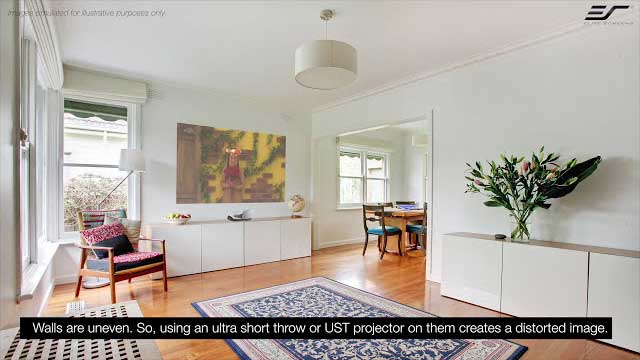
The steep light from an Ultra-Short Throw projector causes the halo effect and can spill light around the frame. There is no way to solve it, but it can be mitigated by painting your wall a darker color, or putting a velvet border around the screen frame.
You may also like…
-
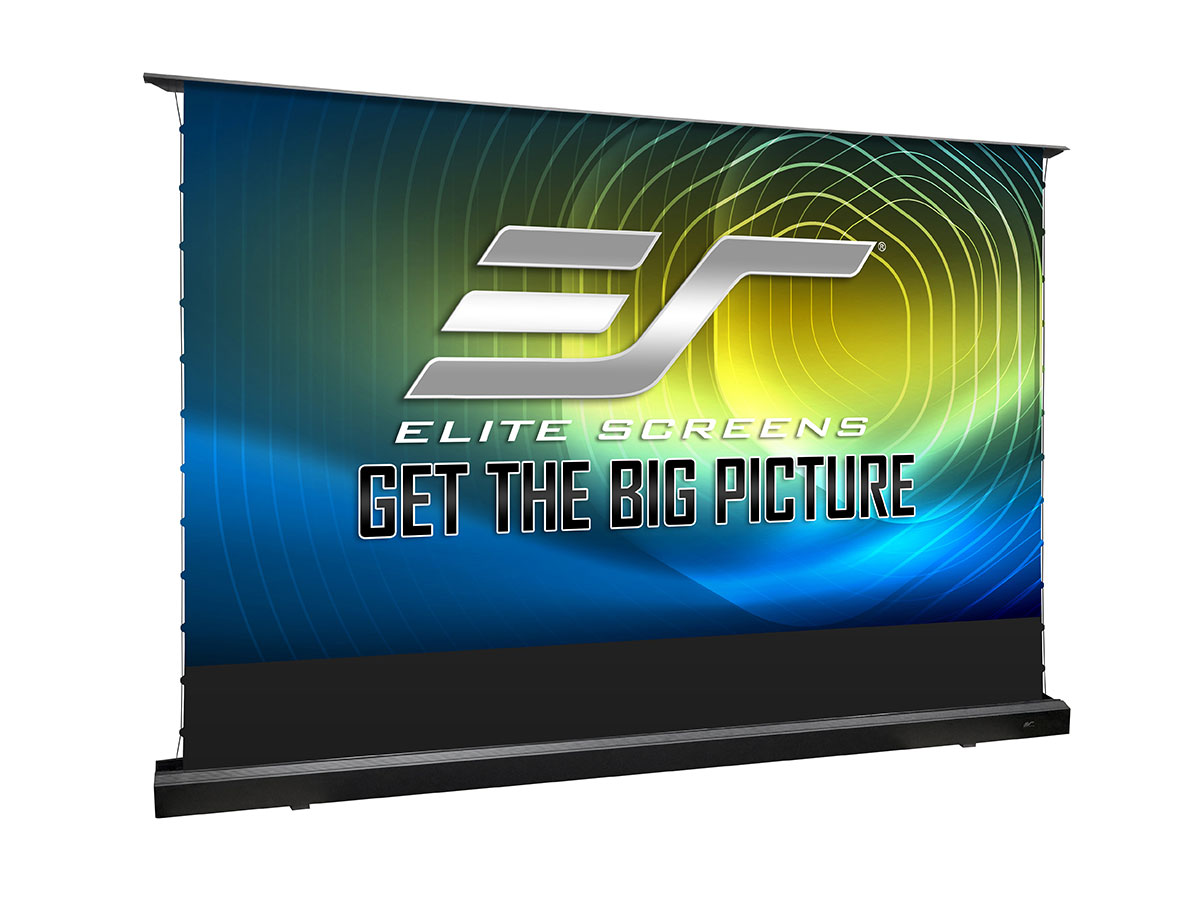
Kestrel Tab-Tension CLR® 5 Series

 $0.00
$0.00 Select options This product has multiple variants. The options may be chosen on the product page
 -
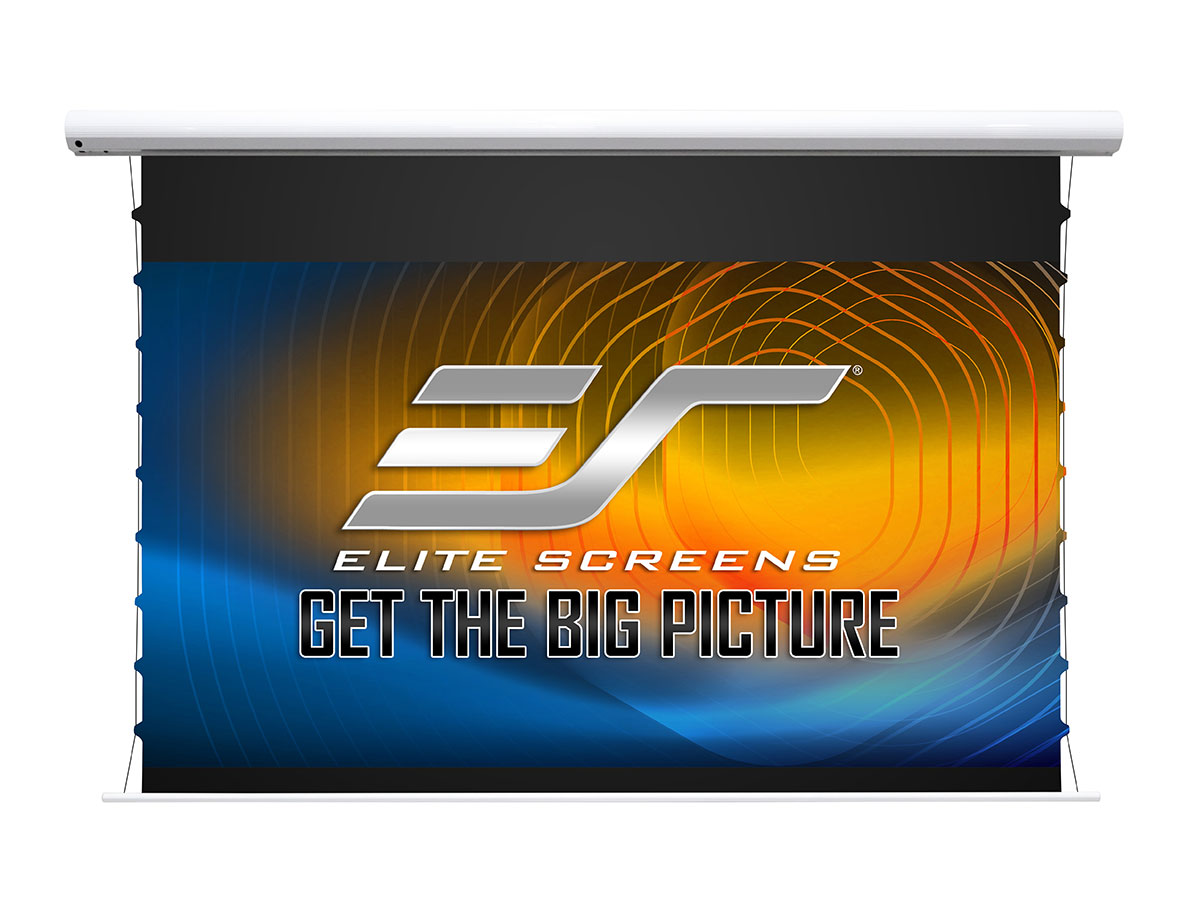
Starling Tab-Tension CLR® 5 Series
$0.00Select options This product has multiple variants. The options may be chosen on the product page -
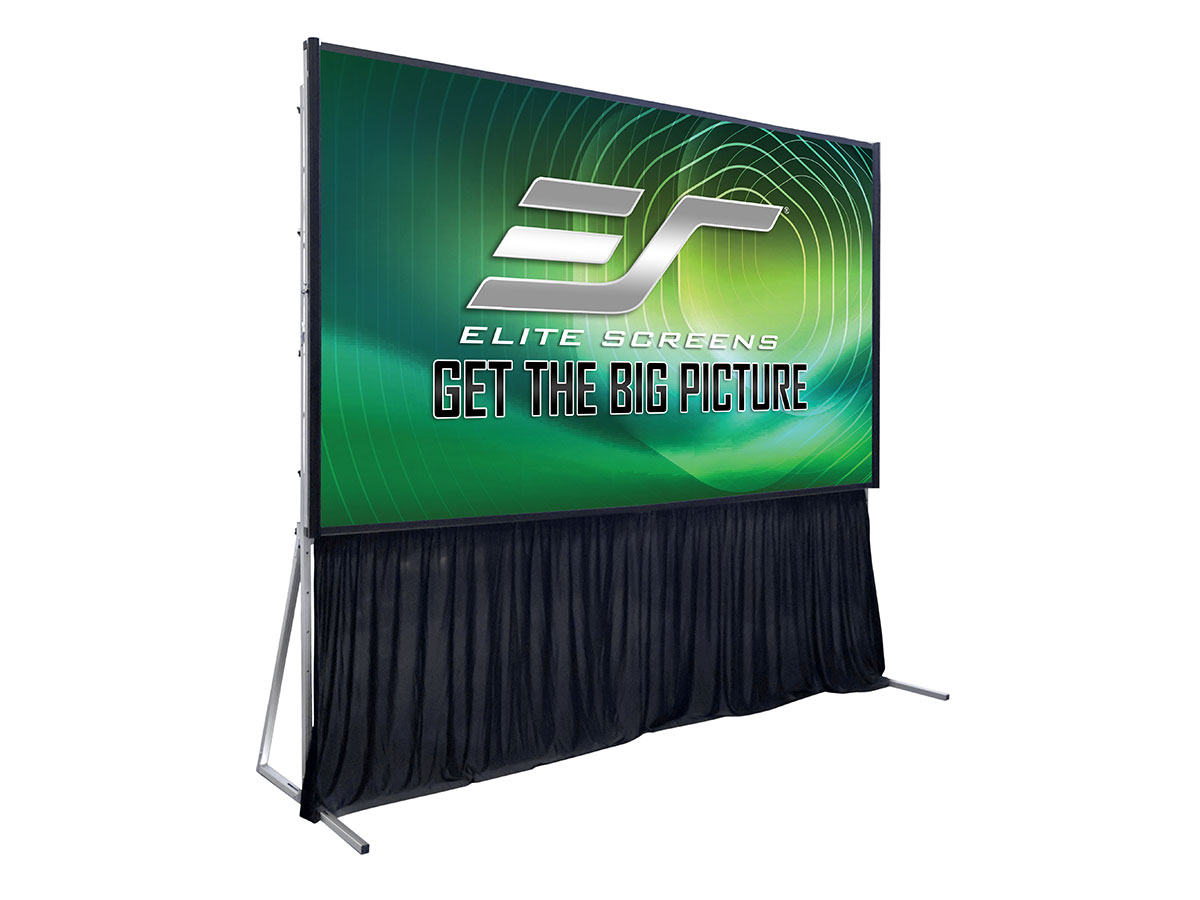
Light-On CLR® 5 Series
$0.00Select options This product has multiple variants. The options may be chosen on the product page -
ezCinema Tab-Tension CLR® 5 Series
$0.00Select options This product has multiple variants. The options may be chosen on the product page -
Aeon CLR® 5 Series
$0.00Select options This product has multiple variants. The options may be chosen on the product page


